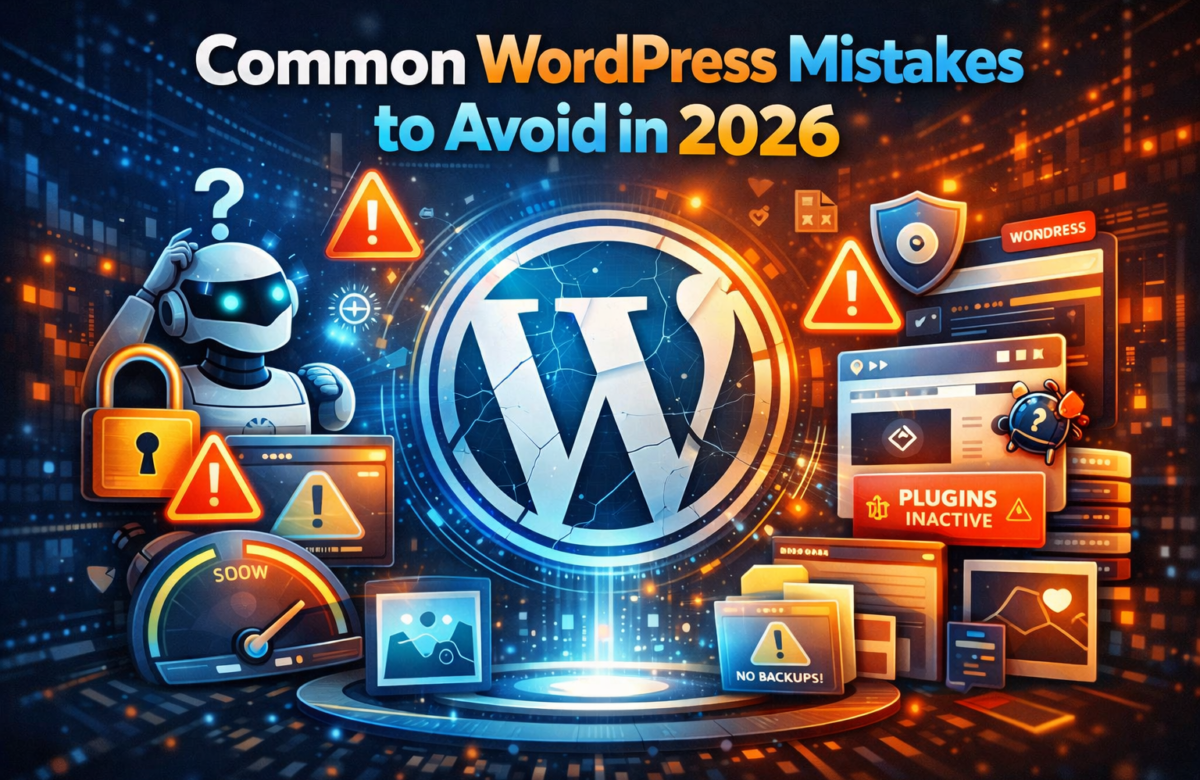
WordPress makes building websites easy, but small mistakes can cost you traffic, speed, and security. Whether you’re a beginner or freelancer, avoiding these common errors can save time and improve performance.
1. Using Too Many Plugins
Installing too many plugins can slow down your site and create conflicts. Always use only necessary and trusted plugins.
2. Ignoring Website Speed
A slow website kills user experience and SEO. Optimize images, use caching plugins, and choose fast hosting.
3. Not Updating WordPress, Themes, or Plugins
Outdated versions can lead to security vulnerabilities. Always keep everything updated.
4. Poor Security Practices
Weak passwords and no security plugins can make your site easy to hack. Use firewall plugins and enable two-factor authentication.
5. Not Taking Backups
Many users forget backups until it’s too late. Use automated backup solutions to protect your data.
6. Choosing the Wrong Theme
Heavy or poorly coded themes can affect performance. Always go for lightweight and well-reviewed themes.
7. Ignoring SEO Basics
Without proper SEO, your site won’t rank. Use SEO plugins, optimize content, and focus on keywords.
8. Not Using Child Themes
Editing the main theme directly can break your site during updates. Always use a child theme for customization.
9. Poor Media Optimization
Uploading large images without compression slows your site. Use tools to optimize images before uploading.
10. No Proper Testing
Making changes directly on a live site can cause issues. Always test updates on a staging environment first.
Final Thoughts
Avoiding these common mistakes can significantly improve your website’s performance, security, and user experience. A well-optimized WordPress site not only ranks better but also builds trust with your audience.
If you’re working with clients, fixing these issues can add huge value and help you stand out as a professional.